A smart light switch that disconnects or behaves unpredictably in el Besòs i el Maresme may have a device compatibility fault, a wireless configuration problem or an electrical installation issue. Buying another module is not a reliable diagnosis. Some smart switches require a neutral conductor, a suitable minimum load or enough depth behind the wall plate; others depend on a gateway and a stable home network. Before requesting home automation work, record the exact model, lamp type, whether the light is switched from more than one position and what happens when the internet drops. Software troubleshooting must be kept separate from changes to fixed mains wiring, which require appropriately qualified personnel.
Separate network failures from switching and electrical faults
Describe the symptom precisely: does the physical button fail, does only the mobile app stop responding, does the module lose pairing, or does the lamp flicker when switched off? These are different diagnostic paths. Without opening live electrical fittings, the configuration, wireless coverage, firmware, hub and automation rules can be checked. A documented app reset may restore connectivity but cannot establish whether the module is electrically suitable. With dimmable LED lamps, the lamp, dimmer and electrical load must be compatible. If a light is controlled from two locations, an unsuitable smart module may conflict with the existing two-way switching arrangement. Never improvise a neutral connection, bridge a protective device or rearrange terminals to test a theory. A competent electrician can identify the circuit, follow safe isolation procedures and assess the connections and protective arrangements before altering the installation. For connected televisions, separate remote-control, signal, network and power problems rather than treating all screen faults as a Wi-Fi issue.
Stop if fittings heat up or electrical protection trips
If the switch becomes hot, smells burnt, trips protection or shows damaged conductors, stop using the circuit and arrange a competent inspection. Do not open wall boxes to follow generic online wiring diagrams. A lamp turning on once does not prove that a modified circuit is safe. The neighbourhood name identifies the enquiry location; it does not establish a particular building age or wiring layout. Supply photographs of the switch front, product labels and screenshots of error messages, but do not disclose passwords. If the home is rented or common building equipment is involved, confirm the necessary permissions before changing anything. The aim is a safe, understandable installation with recoverable access and a realistic maintenance path, not an unexplained collection of connected devices.
Choose compatible controls and preserve manual operation
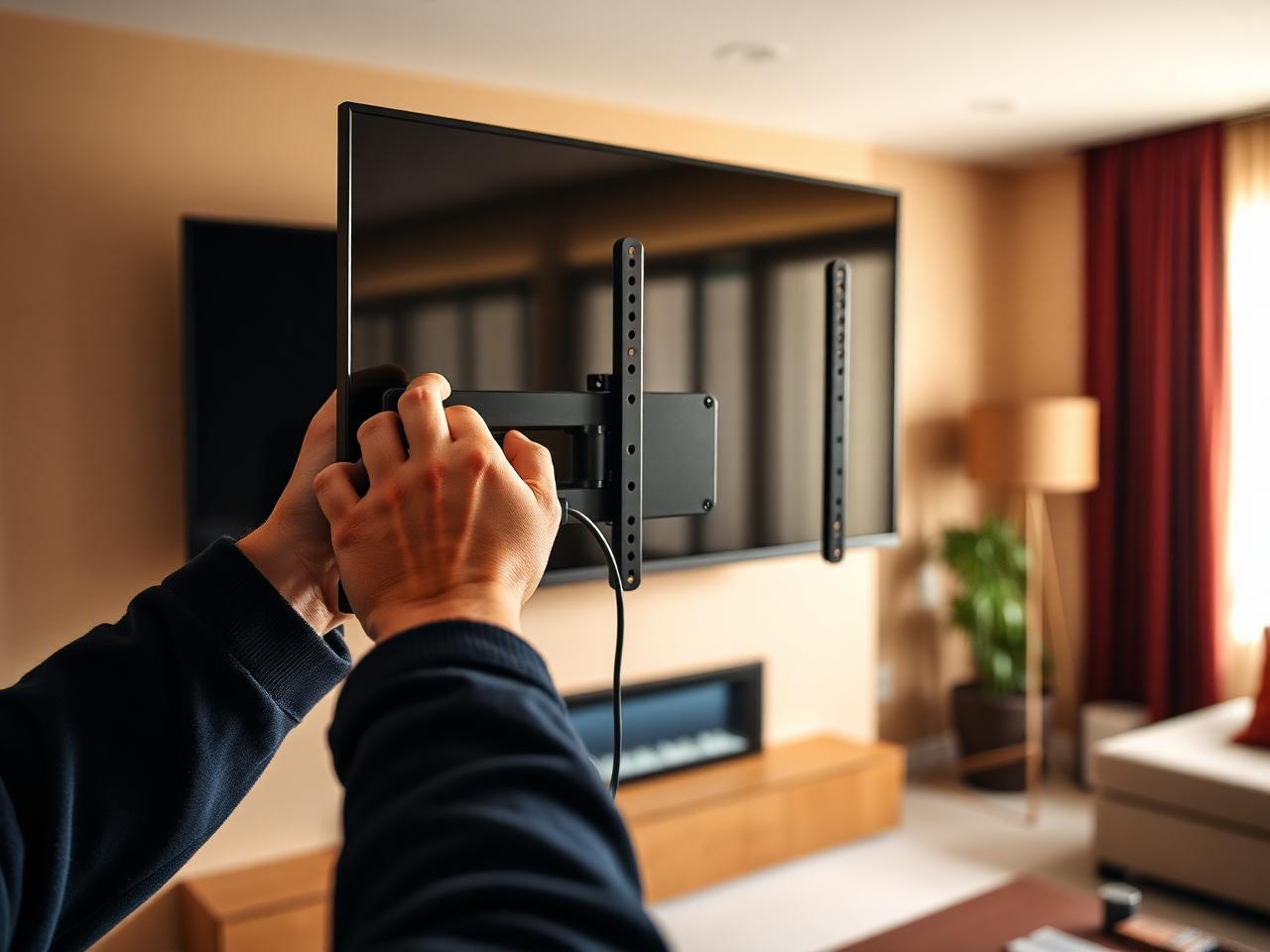
A smart control should be selected using its rated voltage and current, supported load, available enclosure space, communication protocol and manufacturer instructions. Sharing an app logo does not guarantee two devices will operate safely in the same circuit. Decide whether local manual control must continue during an internet outage and how the system should recover after a power cut. Record who owns the administrator account, how credentials can be recovered and whether cameras, speakers or televisions send data to third-party services. A customer should not be dependent on a single installer's private password. If a television is being mounted or integrated, consider wall support, ventilation, accessible sockets and safe cable routing. Do not bury improvised mains extension joints inside partitions. A simple, documented setup that can be maintained is often more valuable than a large collection of devices with no clear ownership or support plan.
Price configuration, equipment and electrical changes separately
Ask for an itemised scope covering existing-device inventory, compatibility assessment, app and network configuration, physical installation, any regulated electrical work, testing and handover instructions. State whether modules, gateway, switches, TV brackets and accessories are supplied or customer-owned. Resolving a wireless network fault is not the same task as modifying a lighting circuit; they require different materials, skills and risk controls. If new back boxes, cable routes or plaster repairs become necessary, request separate authorisation before work expands. Final testing should cover the physical switch, app control, recovery after network loss and behaviour with the actual lamp load. For television work, include picture, sound, input switching, connectivity and future access to cables. A quotation that promises universal compatibility without checking models and wiring is not sufficiently specific to be useful.
For home automation and TV work in el Besòs i el Maresme, provide the switch model, lamp type, failure symptoms and number of control points. Request a compatibility check and a quotation that clearly separates digital setup from electrical installation.