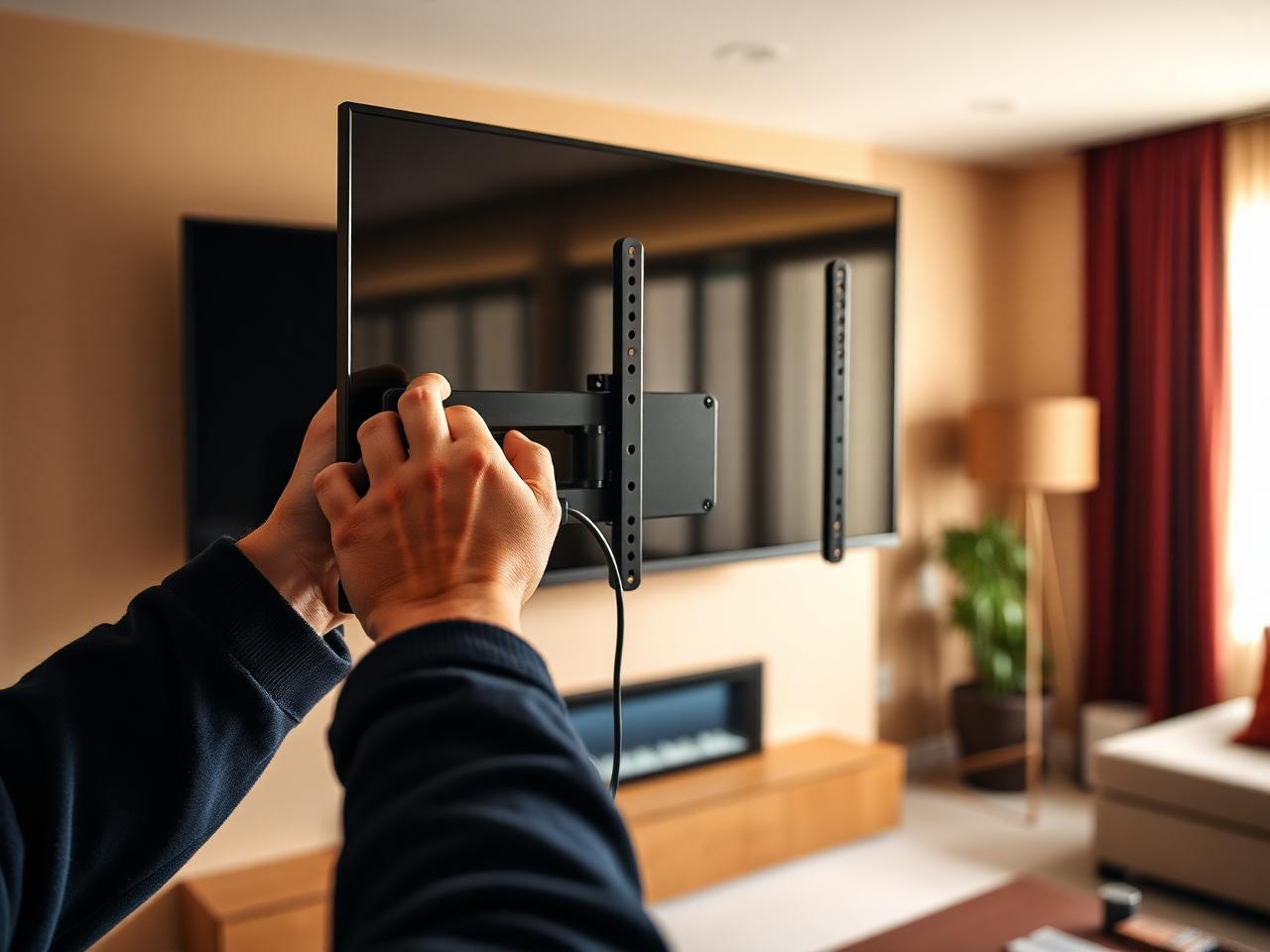
Before mounting a television in La Marina del Prat Vermell, establish three separate facts: the screen's actual weight, what the wall can safely support and where the cables can run without strain. Choosing a bracket by advertised screen size alone is not a structural assessment. Smart-home and television enquiries may also involve sensors, remote controls, Internet connections, channel reception or equipment integration. The neighbourhood identifies the enquiry area; it does not establish the wall construction, condition of wiring or availability of a particular installer.
Assessing the screen, bracket, wall and connections in sequence
Start with the television model, declared weight and mounting-hole pattern. Check the bracket's rated load and both manufacturers' installation instructions. A bracket marketed for a particular screen size is not necessarily suitable for every screen of that size. Establish whether it is fixed, tilting or articulating. Moving a screen away from the wall changes the forces on its fixings, so the real supporting structure matters more than the appearance of the bracket. Paint and plaster do not reveal the material underneath. There may be masonry, concrete, a hollow partition or a lining over another structure. These situations need different fixing assessments. Do not choose wall plugs solely by appearance or drill exploratory holes without checking for concealed electrical, water or other services. If the substrate cannot be assessed reliably, the quotation should describe an alternative position or a specialist check rather than guarantee that any wall can hold the screen. Mounting height deserves its own decision. Consider the normal viewing position, reflections and access to sockets after installation. A perfectly level screen can still be uncomfortable if it is too high. Cables must not block ventilation, strain sockets or prevent an articulating arm from moving safely. Plan the route before drilling. A cable that fits when the screen is flat against the wall may become taut when the bracket extends. Identify each picture and sound source separately. A terrestrial aerial, HDMI player and Internet streaming application use different signal paths. If the screen reports no signal, confirm which input is selected before replacing components. Official HDMI specification information describes supported features, but a cable cannot add a missing function to a device. ARC and eARC depend on compatibility at both ends. Check models and settings before buying adapters or replacing a soundbar. Connected-home equipment needs a different assessment. A sensor may stop responding because of power, wireless coverage, gateway availability, permissions or software updates. Check manual operation first and then its network connection. A restart may temporarily restore service without addressing the cause. If a camera is included, review what it captures and who can access the images. Spain's data-protection authority AEPD provides video-surveillance guidance; technical installation does not replace applicable privacy obligations. Finish by checking bracket stability without improvised force tests, the intended movement and cable slack. Test the agreed picture and audio sources and record settings that have changed. If a function could not be tested, mark it as outstanding. Physical mounting, network configuration and internal equipment repair are different tasks and should be described separately in the final scope.
When installation should stop for safety
Stop using the equipment if the bracket moves, cracks appear around the fixings, a cable is damaged or there is a burning smell. Do not support a heavy screen while improvising missing parts. Spain's low-voltage electrical regulations apply to relevant fixed-installation work; app configuration is not a substitute for electrical assessment. The risks of drilling, wiring and heavy handling should be treated separately. If the wall cannot be identified safely, consider another position or an independent support before drilling. Do not alter communal aerial equipment without the required authority. A camera pointing into other people's areas may need a review of its direction and image handling. A responsible proposal identifies each limitation rather than promising a universal repair.
Compatible fixings, cables and smart-home devices
Request the exact references for the television, bracket and existing accessories. Confirm the load rating, mounting pattern and manufacturer instructions. Screws fitting into holes does not prove that they are the correct length or that the wall fixing is sound. Cables need enough length for their route, particularly with a movable arm. Avoid tight bends and connections that carry the weight of a hanging cable. Smart devices from different brands are not always interoperable. Check platform, protocol, gateway, updates and behaviour when Internet service is unavailable. Do not promise an automation before confirming that the particular models support it. Fixed electrical wiring should not be modified merely to hide a cable without defining the work and applicable safety requirements.
Requesting an itemised quotation
A useful quotation separates wall assessment, bracket and fixings, screen mounting, visible cable management, input configuration, sound checks and final testing. It should identify which parts the customer supplies, what materials are included and how additional work will be approved. Concealing cables or altering an installation is a separate scope that needs assessment before approval. For sensors or cameras, add network configuration, compatibility checks, permissions and functional tests. The Catalan Consumer Agency publishes guidance on home services that can help customers request written terms. There is no price implied by the name La Marina del Prat Vermell: the work depends on the actual screen, bracket, wall and agreed tasks.