If an El Raval television loses reception after a router change, do not automatically blame the aerial. Distinguish aerial, cable, internet TV and streaming apps. Note whether all content fails or only one application. HDMI working while online content fails suggests a different diagnostic path. Do not restart communal equipment without permission or share network passwords.
Diagnosis and decisions
For Wi-Fi problems, record router position, weak coverage areas and which devices are affected. Walls, layout and interference may matter, but testing is needed. Compare cabling, access points and placement before buying repeaters. A poorly positioned extender will repeat a weak signal. Check routes and communal elements before running new cables. For smart-home faults in El Raval, distinguish poor wireless coverage, power failure, configuration errors and incompatible devices. If a motorised blind stops responding, check whether its local control works before resetting the whole system. Save configuration and credentials securely. Router position and interference may matter, but the address does not diagnose the fault. For television problems, separate aerial reception, network access and physical connections. Request a connection diagram, user permissions and recovery instructions. Do not share passwords in open messages or assume universal compatibility.
Safety and access
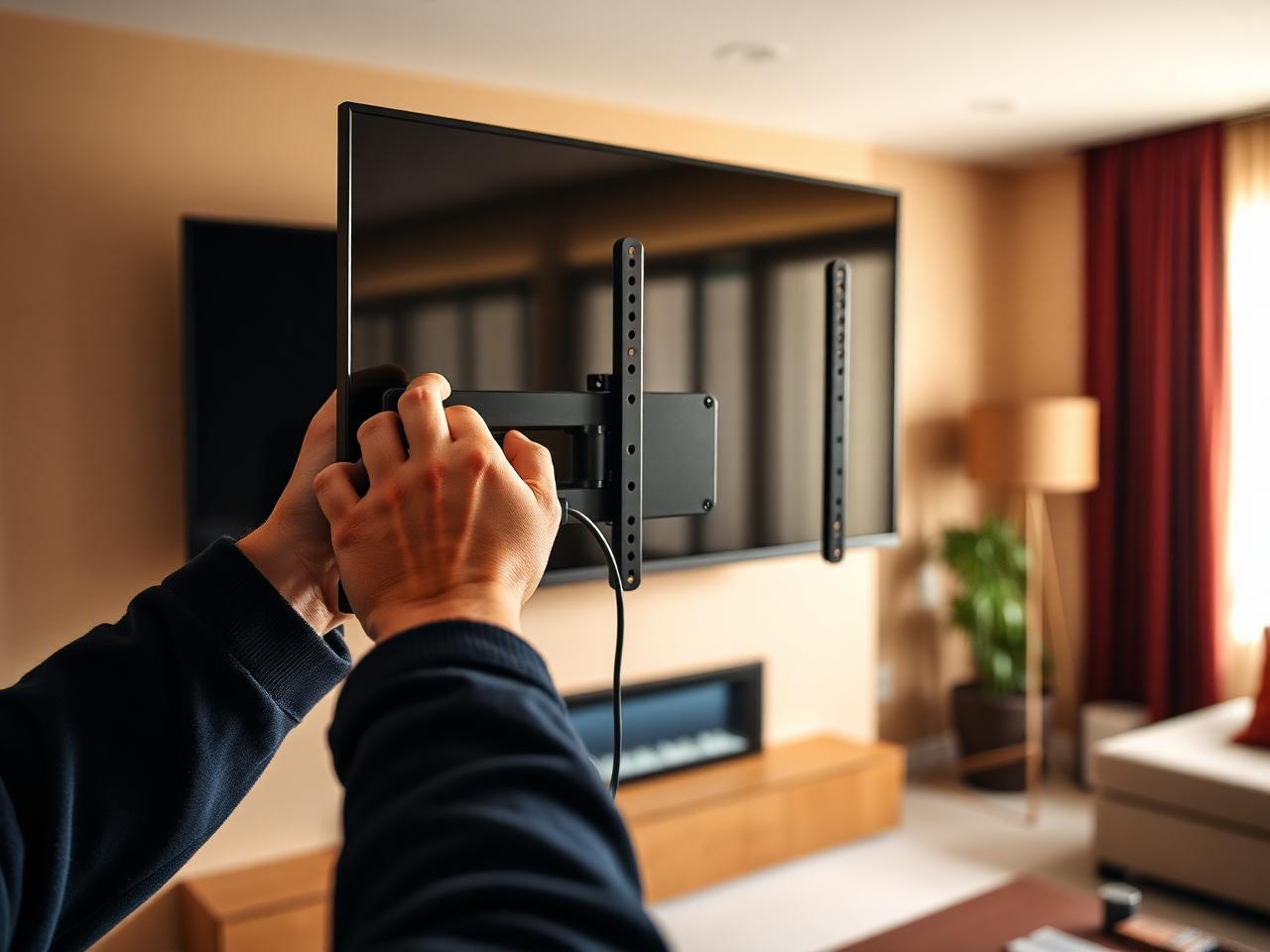
For TV wall mounting, check weight, bracket and actual wall construction. Different partitions need different fixings. Plan ventilation, cable routes and connector access. Give El Raval model details and symptoms without exposing passwords or account data. After work, test playback, coverage and recovery after a safe restart. Request a device inventory and password-change instructions.
Materials and compatibility
For smart-home faults, separate the device, local network and cloud service. A smart switch may still be live when its app says offline. Do not handle electrical conductors without appropriate competence. Check protocol, power, compatibility and manual control. Automation must not compromise an exit or safety function. Ask what happens when internet access fails.
Quotation and checks
For comparable quotations, provide the address, floor, access details, approximate dimensions and safe photographs. Separate diagnosis, materials, labour, taxes, any travel charge and making good. If concealed damage is found, request an explanation before approving extra work. Keep the accepted quotation and invoice. On completion, test the function that prompted the enquiry and ask what remains unverified. A neighbourhood name does not establish property condition, price or availability. If communal elements are involved, check who can authorise the work. When comparing offers, request a written quotation separating diagnosis, materials, labour, travel, exclusions and final checks. Do not accept changes to the scope without prior agreement. The Catalan Consumer Agency explains quotation and invoice rights for home repairs and services. If shared building elements are involved, establish who is responsible before authorising work. This page does not verify a particular price, attendance time or availability; actual terms need confirming before a booking. Keep the accepted specification, agreed variations and invoice so that the completed work can be assessed against what was promised.
Enquire about the service in El Raval without assuming price or availability.