A television that loses its signal, a wireless network that fails to reach one room and a smart-home routine that stops responding need different investigations. When requesting home automation and TV help in El Parc i la Llacuna del Poblenou, identify the affected equipment, when the fault appears and which functions still work. The neighbourhood name describes the requested location; it does not establish the building type, electrical installation or network coverage. Before purchasing replacement devices, distinguish power supply, cabling, network configuration, protocol compatibility and potential provider-side faults. Photographs of the model label, accessible connectors and error messages can help explain the problem without opening appliances or touching wiring. A sensible enquiry asks what should be tested before deciding whether a repair, reconfiguration or replacement is justified.
A layered diagnosis of power, signal, networking and control
Start with a short equipment inventory: television, receiver, router, wireless access points, smart-home hub, sensors, switches and apps. Record the date the problem began and any password changes, software updates or device replacements. Safe checks then separate visible power indicators, the signal path and local connectivity. For television, the source, screen and accessories should be assessed independently. For Wi-Fi, compare devices and positions rather than promising blanket coverage. For smart-home routines, review pairing, permissions, schedules, cloud dependencies and manual operation. Fixed wiring, work at height and shared building systems need the appropriate competent tradesperson and any relevant permission. The resulting explanation should state what was actually tested, which causes remain possible and what evidence would justify the next step. A long shopping list is not a diagnosis.
Recognise the symptom before assuming the cause
If a screen will not switch on, check only accessible controls, the plug and the manufacturer's user instructions; do not open the power supply. If pictures freeze, note whether it happens on terrestrial television, one streaming app or every HDMI input. An aerial may have a distribution or connection problem, whereas a streaming app can depend on broadband performance or its own service. Strong Wi-Fi signal bars do not guarantee a reliable connection: interference, congestion, distance and ageing devices can all matter. For automation, distinguish a command that never reaches a device from an actuator that receives it but fails to operate. If you notice a burning smell, unusual heat or damaged cables, stop using the equipment and seek appropriate professional assistance. Avoid improvised electrical tests or climbing to inspect aerials.
Choose compatible equipment without overlooking safety
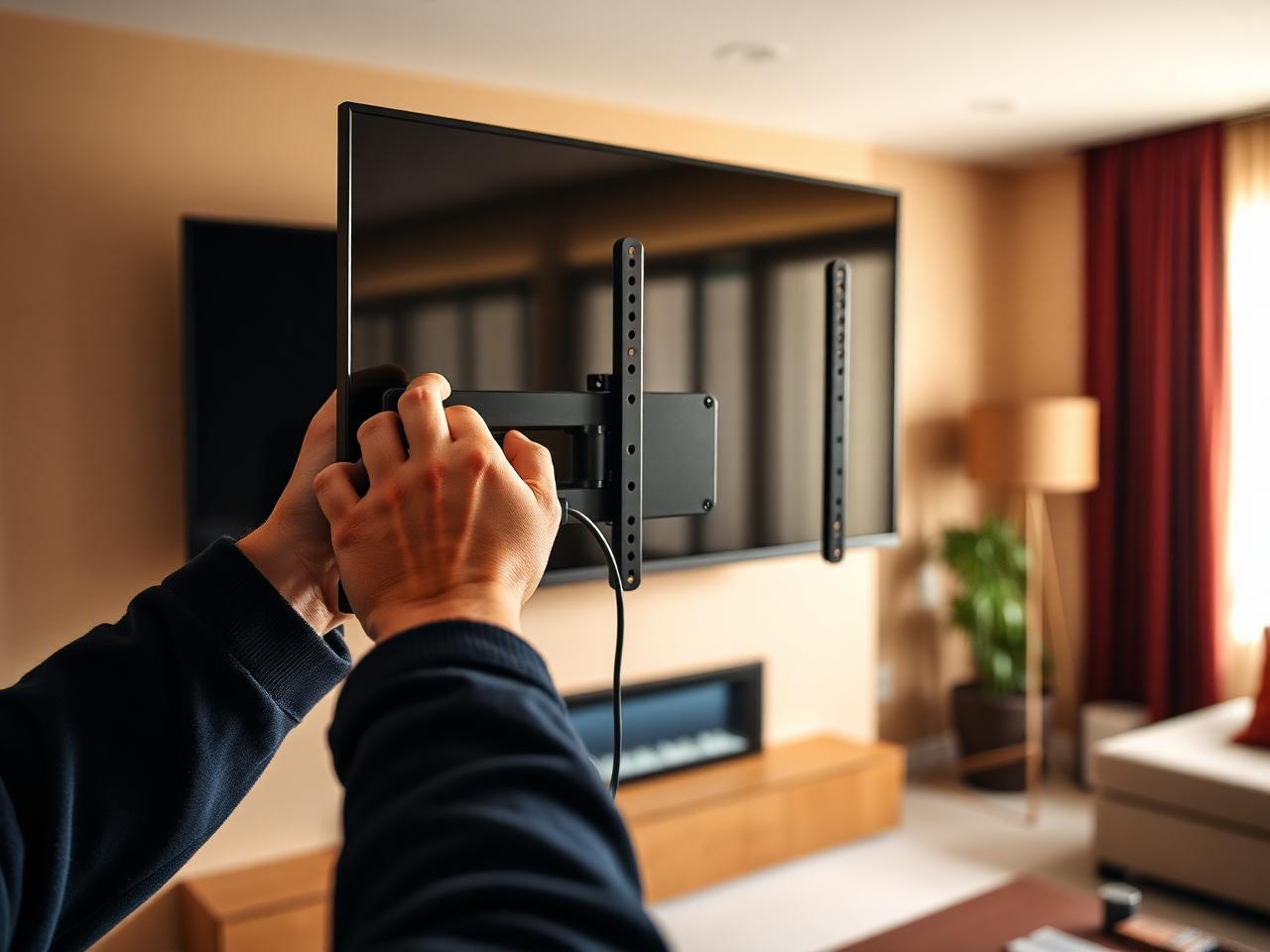
A television bracket must suit the mounting pattern, screen weight and geometry, but its rating alone cannot establish that a wall and its fixings are suitable. HDMI and network cables should be chosen for the required capability, length and environment, not just marketing labels. For wireless coverage, access-point placement and backhaul quality may matter more than buying an expensive router. Smart devices may use Wi-Fi, Zigbee, Thread, Matter or another ecosystem; confirm whether a hub, external account or continuous internet connection is needed. Electrically controlled devices must remain within their rated loads and manufacturer instructions. Alterations to fixed circuits should not be treated as a simple consumer-device setup. If cameras are involved, consider their purpose, field of view, recording access and privacy obligations before installation. Electrical, telecommunications and data-protection rules depend on the actual work and should not be claimed to apply identically to every software setting.
Request an itemised quote and compare the alternatives
Ask for separate lines covering diagnosis, signal and network tests, configuration work, cable runs, brackets, fixings, replacement equipment, removal and final functional checks. For intermittent television reception, compare repairing a connector or distribution fault with replacing a receiver. For unstable wireless access, compare repositioning and reconfiguring existing equipment with installing further access points. A failed smart-home scene may need reprogramming rather than new sensors, while genuinely incompatible hardware may need replacement. The proposal should specify models, expected functions, subscriptions, licences, applicable warranties and exclusions. Any drilling, fixed cable work or intervention in shared areas must be identified in advance and assessed for permission. An exact price based only on the neighbourhood would be misleading: the number of devices, condition of existing installations and tests required define the scope. Agree how unforeseen work will be approved.