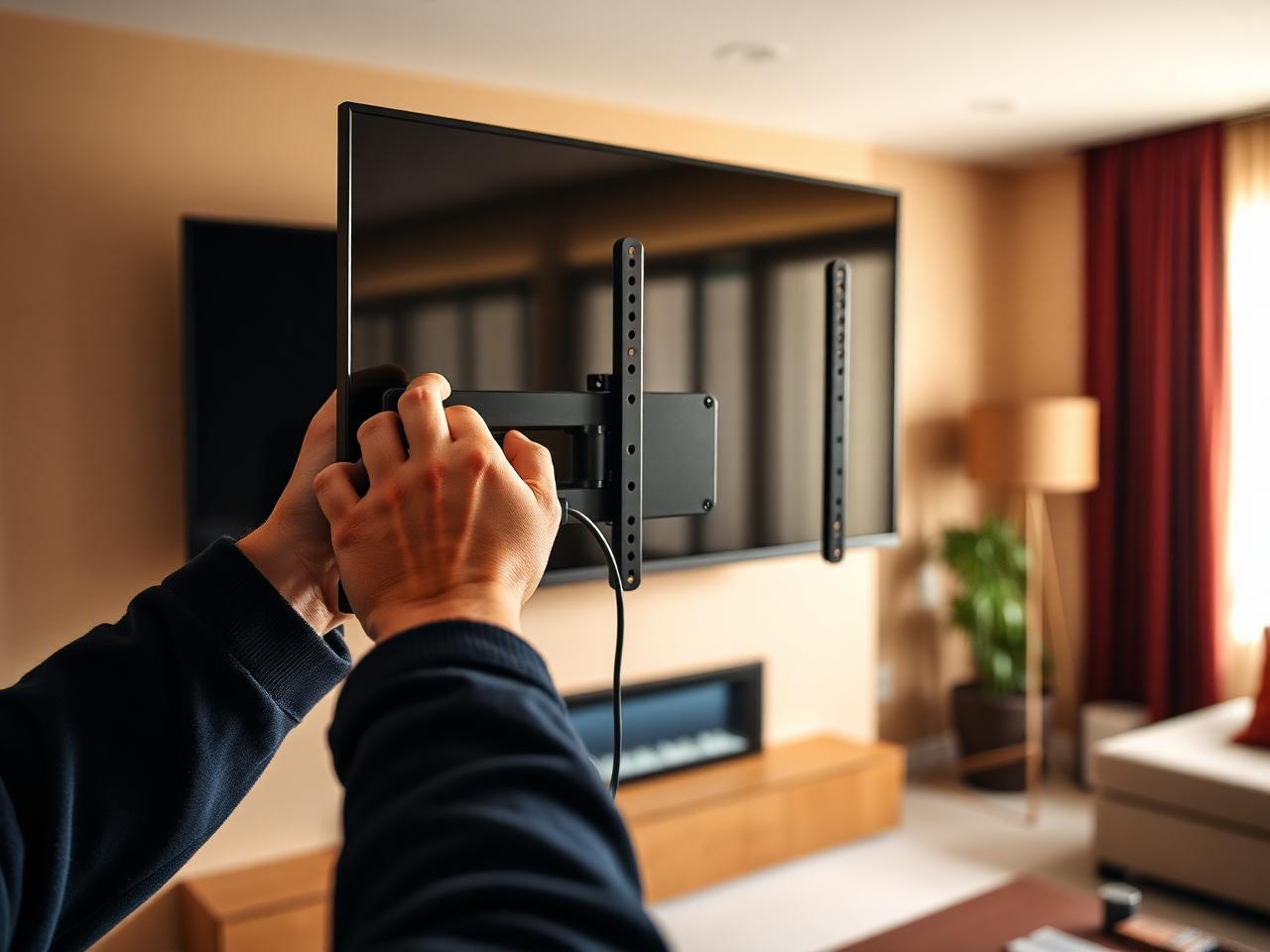
Wall-mounting a television and connecting smart-home devices may be requested together, but they involve different risks and tests. For a TV and home-automation enquiry in Canyelles, a neighbourhood in Barcelona's Nou Barris district, separate the strength of the wall, bracket fixings, cable routing, electrical supply and network connectivity. The neighbourhood does not establish the construction of a particular wall or the Wi-Fi coverage at an address. A useful quotation starts with the equipment model and weight, photographs of the proposed position and the functions to be controlled, not a promise that every brand will work together.
TV mounting: fixings, wall type and cables
Before drilling, establish the screen size and weight, mounting pattern, bracket movement and positions of sockets and data connections. Solid masonry, plasterboard partitions and lined walls require different assessments; the visible finish cannot confirm load capacity. Hidden cables or pipework must also be considered before selecting drilling points. An extending arm changes the load on its fixings as it moves, so the manufacturer's instructions and actual supporting structure matter. Power, video and network cables need a route that avoids strain, heat and unsafe alterations to electrical circuits. A neatly installed surface trunking route may be preferable to opening an unknown wall. Completion checks should include level, stability, access to ports, ventilation and smooth movement without pulling on leads. A screen should never be left supported by unverified fixings.
Smart devices, compatibility and electrical boundaries
Start with the intended functions: lighting, blinds, heating controls, sensors, schedules or mobile-phone scenes. Record manufacturers, model numbers, network requirements and whether a hub or continuous Internet connection is needed. A pairing failure may come from weak wireless coverage, frequency bands, app permissions or power rather than a defective device. Replacing hardware before these checks can waste money. Work that changes fixed wiring, sockets, a distribution board or circuits must be assessed under the applicable low-voltage electrical regulations by competent personnel. An app responding to a command does not prove that an electrical installation is safe. The customer should retain control of accounts, passwords and recovery methods; passwords should not be placed in an enquiry form. The INSST's ladder guidance is relevant when safe access is required for mounting work above floor level.
Configuration repair versus replacement
When a smart sensor stops responding, check its power supply, controller status, network changes and signal before suggesting a replacement. If coverage is poor, investigate device position and obstacles rather than assuming that adding one repeater will fix every room. A connected thermostat must be checked against the heating equipment's electrical and control specifications; matching connector shapes do not establish compatibility. For a TV, distorted brackets, incorrect bolts or a weak supporting wall may require a different bracket, properly assessed reinforcement or a new location. Ask which devices are supplied by the customer, which accessories are included and how product references and manufacturer instructions will be recorded. Consider software updates and what essential functions remain usable when the router or Internet service fails.
An itemised quote and practical handover
Ask for separate lines covering initial assessment, TV bracket and fixings, screen mounting, surface cable management, hub installation, device pairing, network checks and user guidance. Any necessary fixed-wiring alteration should be identified and evaluated separately. State the number and models of devices, the apps involved and what functions you expect to work. The proposal should explain how an incompatible device will be handled and whether making good the wall is included. At handover, check screen stability, slack in cables, basic automation commands and the owner's ability to manage and recover their accounts. Do not treat a single successful app command as a complete test of the installation. No price, Wi-Fi coverage or contractor attendance time has been verified for an individual Canyelles property.
For TV mounting or home automation in Canyelles, send safe photographs of the wall and connections, device model numbers and the desired functions. Request separate scope for mounting, configuration, wiring and testing.